

Odoo Accounting.
Accounting workflow software with your books, bank, and reports on one dashboard.
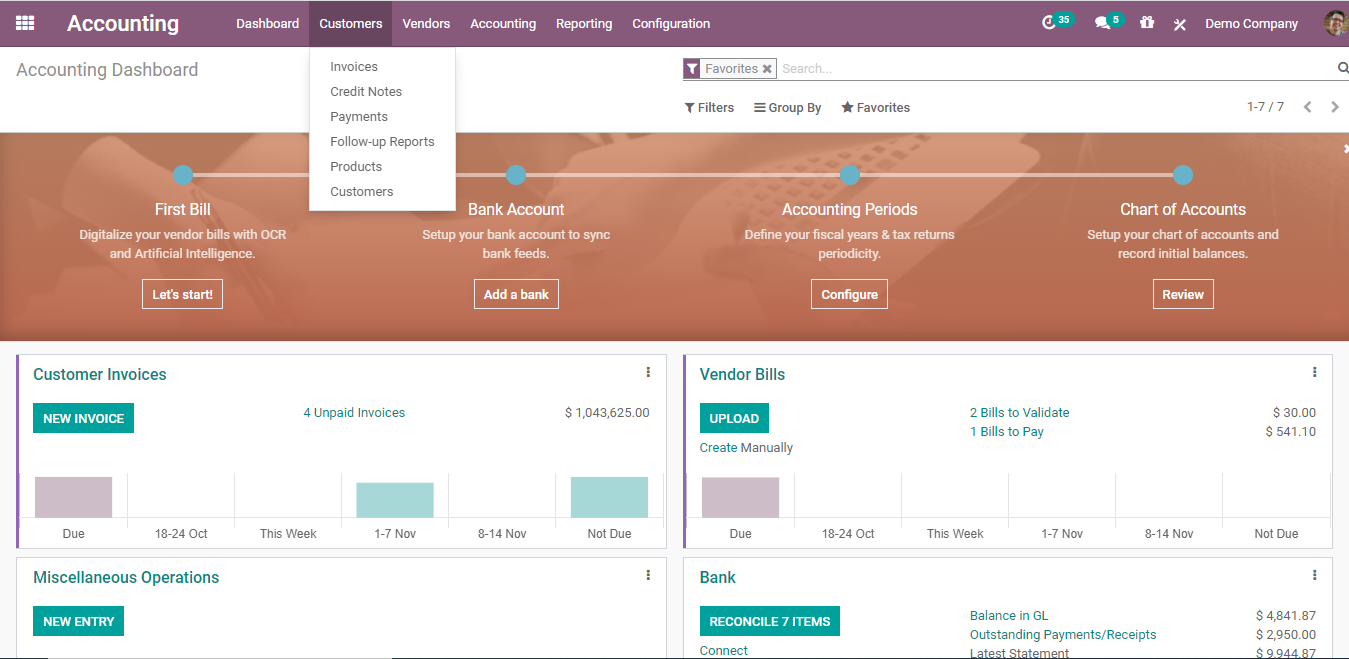
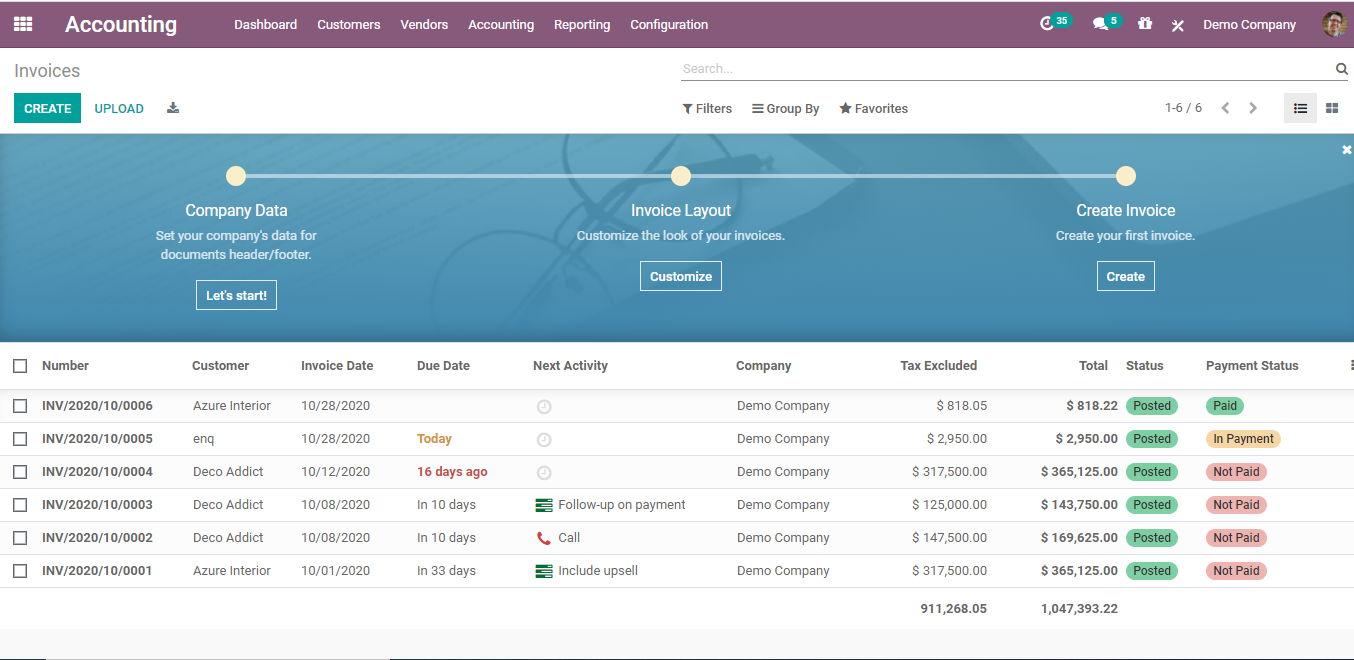
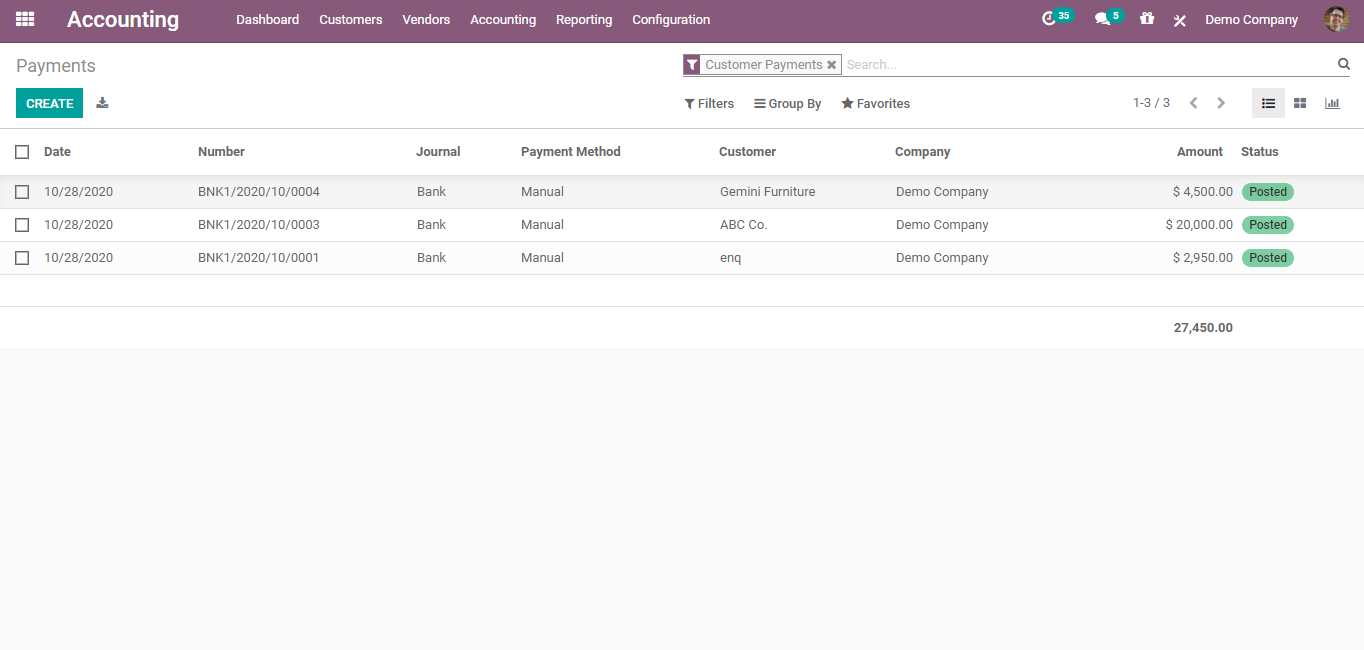
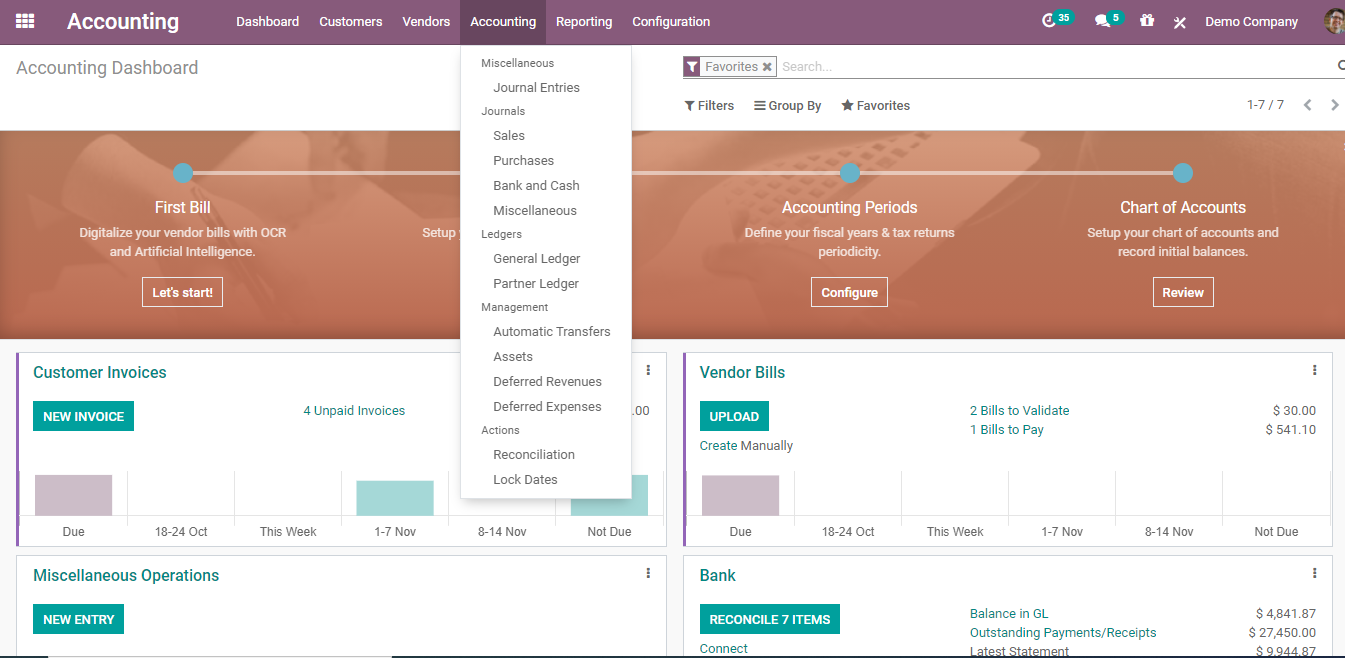
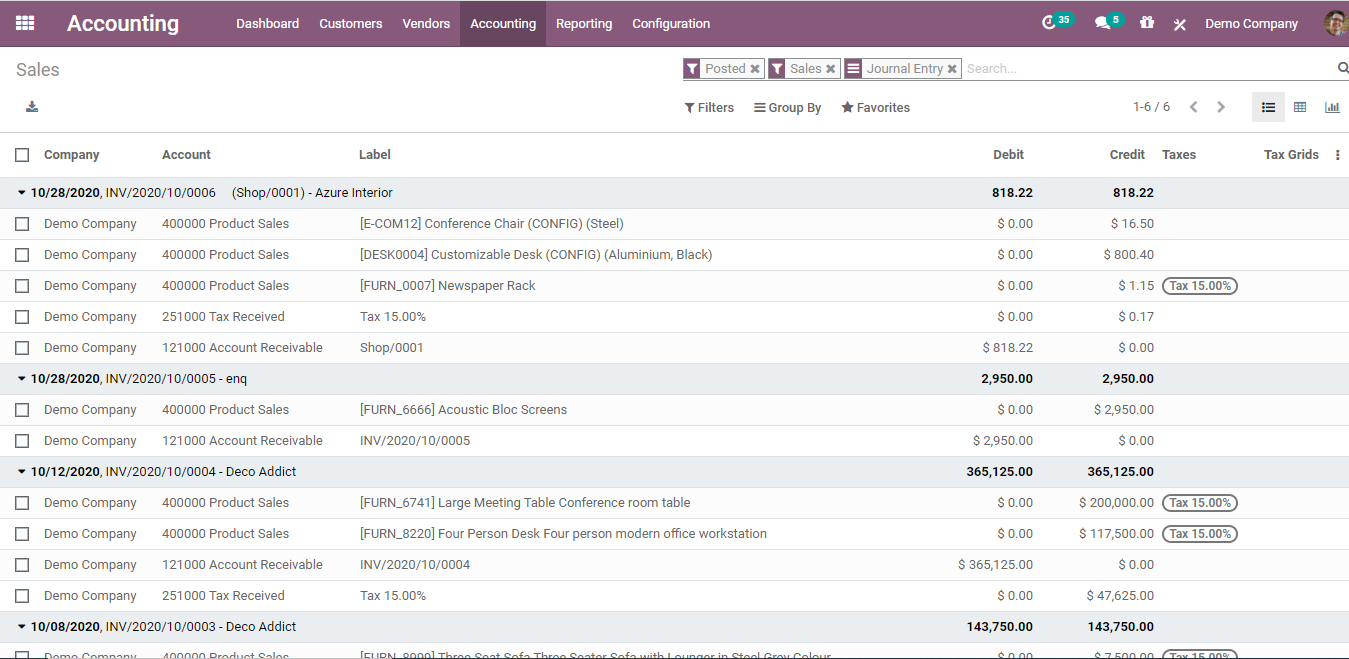
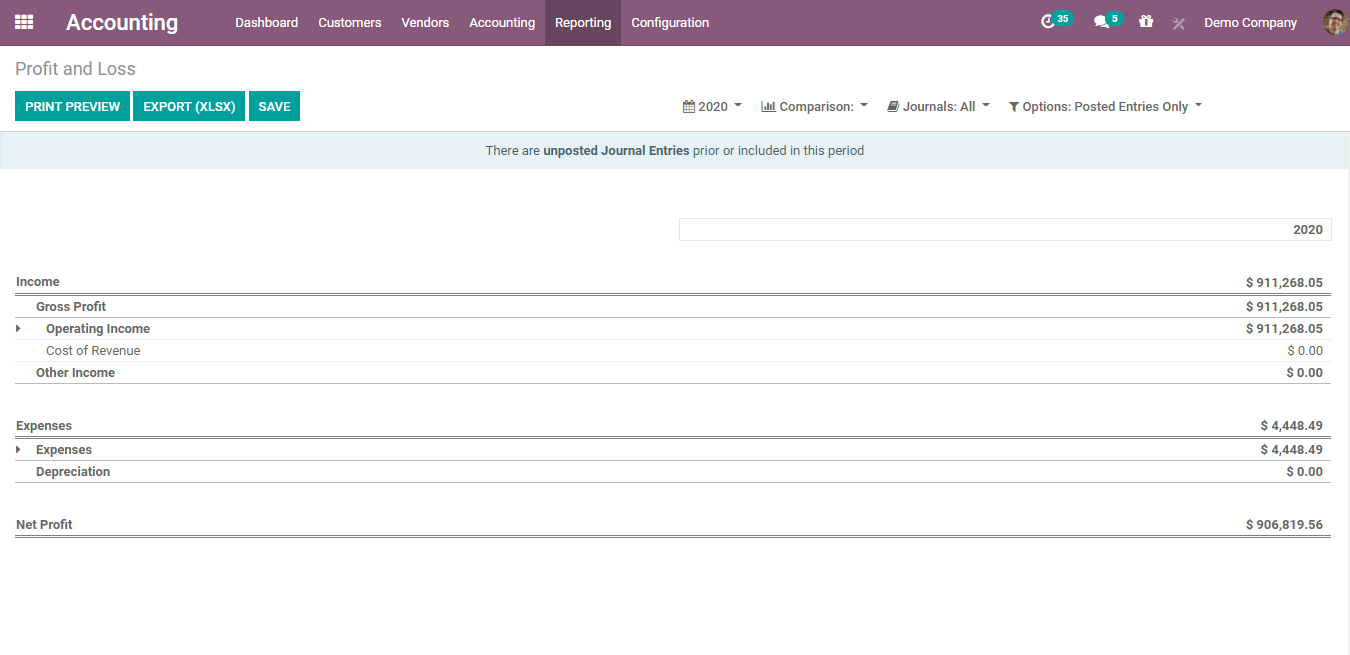
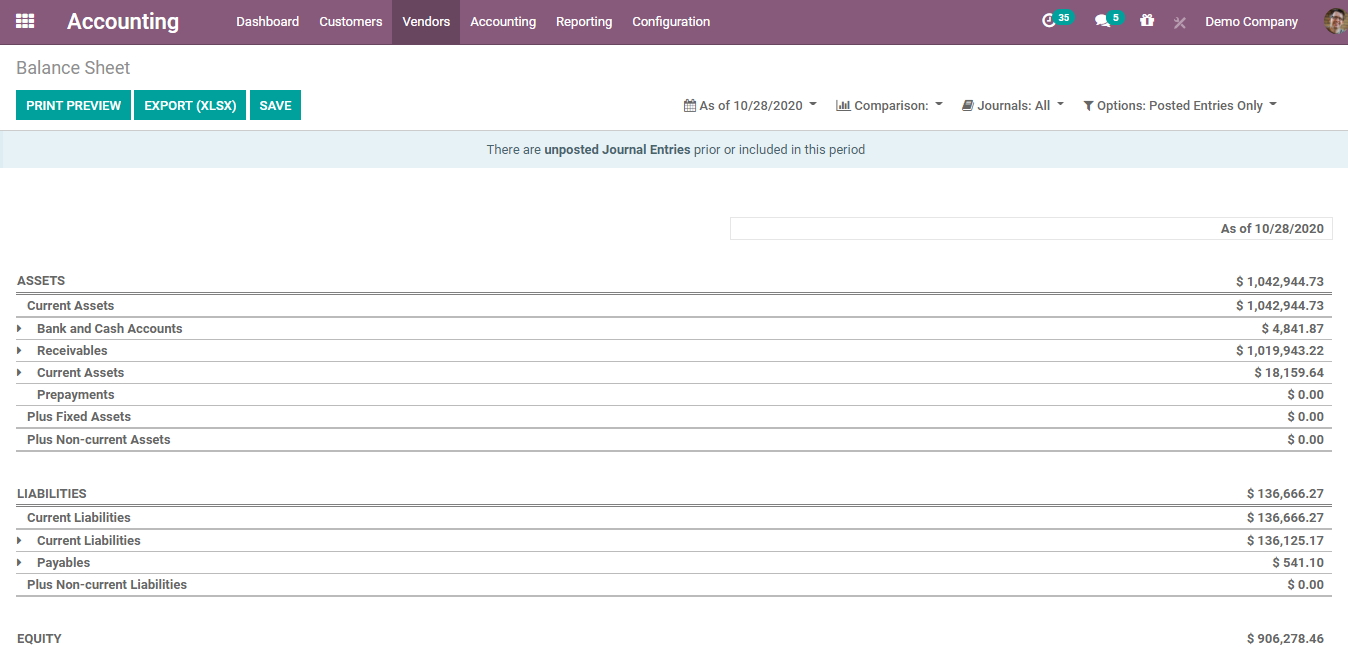
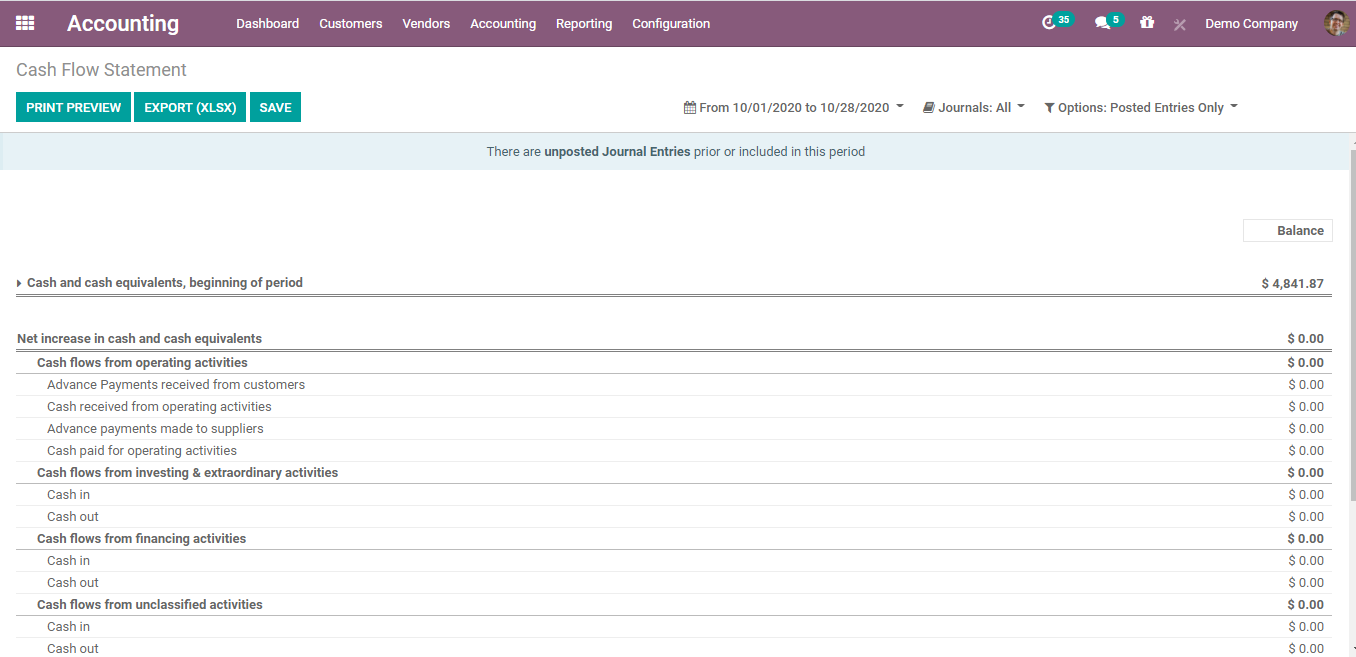
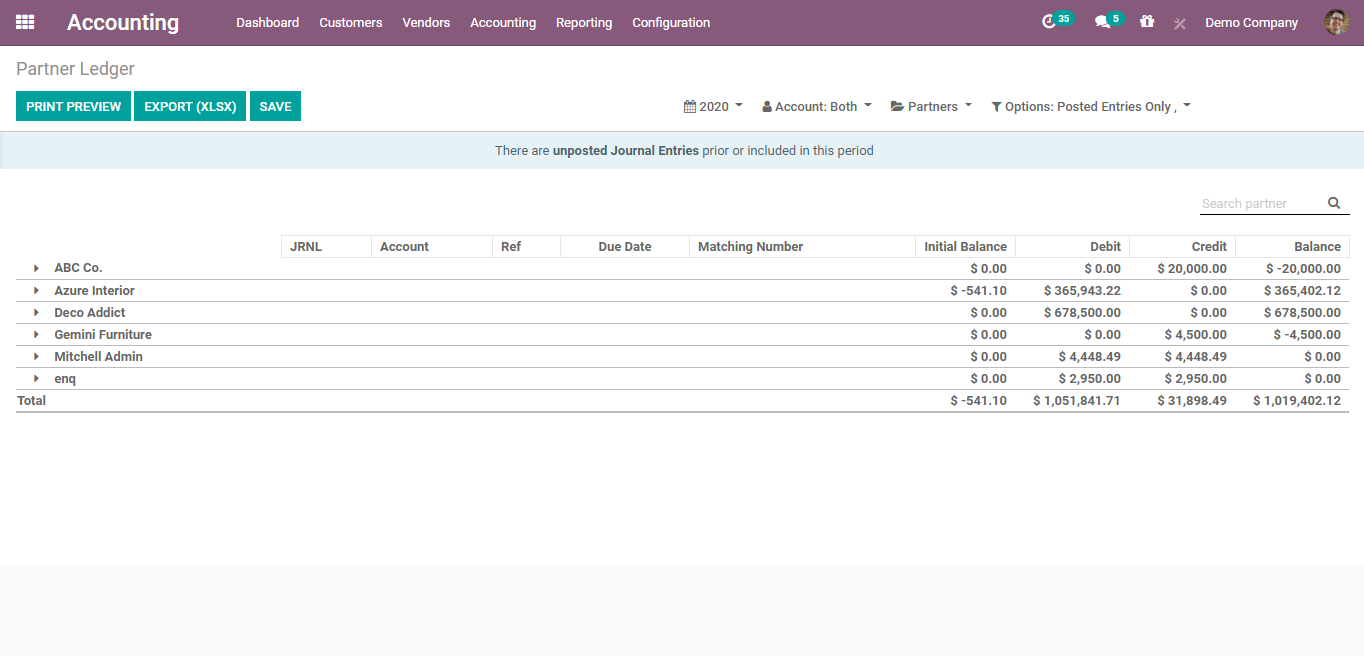
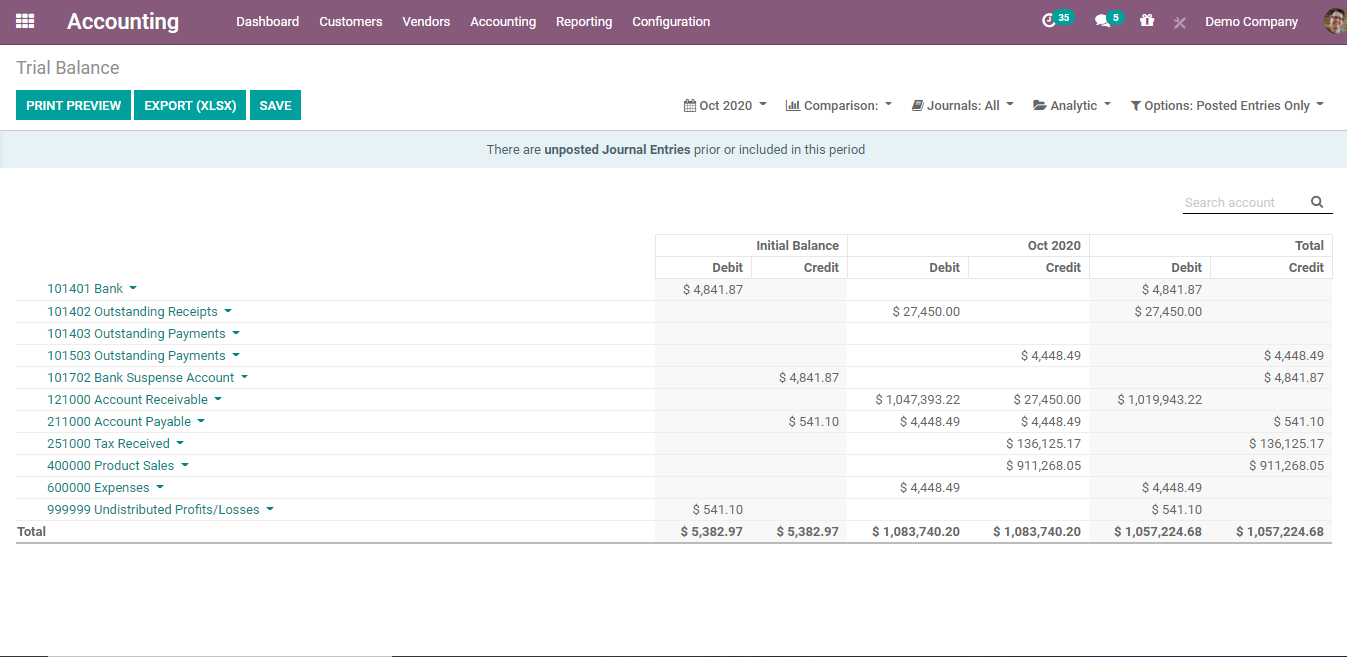
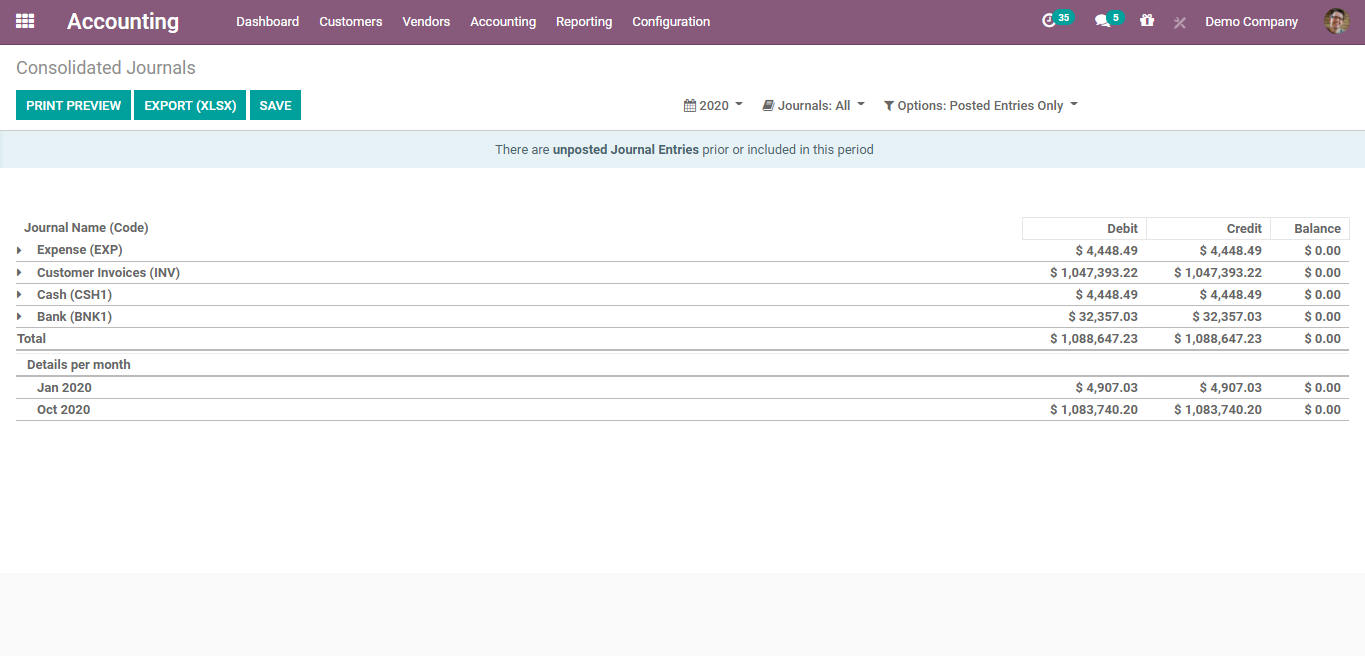
One Step Ahead: Next Generation Accounting in Odoo
- Asset management with depreciation posted automatically
- Deferred revenue entries generated automatically
- Bank reconciliation in three steps
- Automatic bank sync and reconciliation
-
Automatic reporting with horizontal and vertical analysis and BI tools - Integration with other accounting systems
- Automated period closing
- Tax reports and tax returns
- Audit trail and auditing tools
- Analytic accounts for costing and budgeting
- Budget management
- Customer payment follow-ups
- Easy bank statement imports
- AI invoice digitization that turns vendor bills into draft entries
Odoo Accounting covers a lot out of the box. Making it match your chart of accounts, approval rules, and reporting needs is where customization comes in. Our team has years of experience configuring and customizing Odoo for companies whose finance process doesn't fit a template, so the accounting workflow software you end up with reflects how your books actually run.
Get Consultation →Why Us?
Accounting is the module where a bad setup hurts most. A wrong tax mapping or a messy chart of accounts doesn't show up on day one. It shows up at quarter end, when the numbers don't tie.
We start by mapping how money moves through your business: who approves bills, how customers pay, which reports your accountants need. Then we configure odoo accounting to match and bring your data over from your current system.
Payments are part of the picture too. We built our own accept.blue payment connector for Odoo, so payments collected through Accept Blue can be recorded against invoices without retyping them.
Next Generation Accounting shouldn't mean a system your team has to fight. Good accounting workflow software takes steps out of month end instead of adding new ones.
Get Consultation →