

Odoo Sales.
That’s where Odoo does its best work. Because Odoo Sales shares data with CRM, reps can see which opportunities deserve their time and skip leads that probably won’t close. Faster access to customer and order details means faster answers, and faster answers tend to win more deals.
Sell More Efficiently with Odoo
Less Data Entry
Sales quotations go out in a few clicks, and the same screen turns a quote into a sales order and then an invoice. Since Sales connects to CRM, you can follow a deal from first contact to close, and the data carries forward at each step instead of being typed in again.
Modern User Interface
A lot of sales management software feels like it was built for managers. Odoo's interface is fast and clean, built for salespeople, with everything they need right in front of them.
Mobile Application
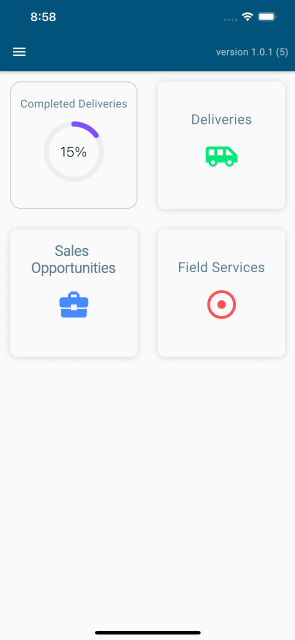
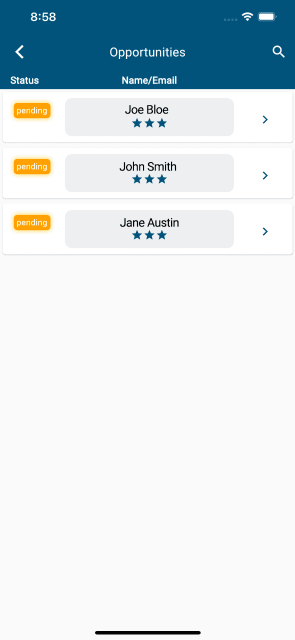
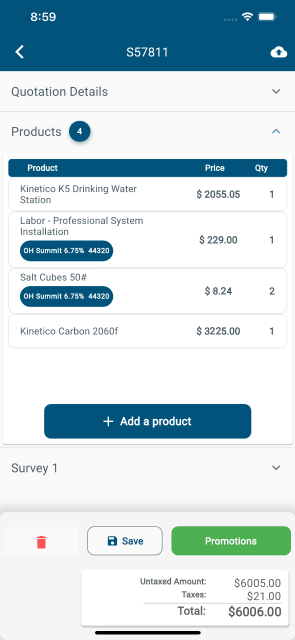
Odoo works on mobile, so reps can sell from the road. Comstar USA’s offline module goes a step further and keeps them selling when there's no internet at all.
Sales Warnings
Set Alert that warn your team before a quote goes out for a specific product or customer.
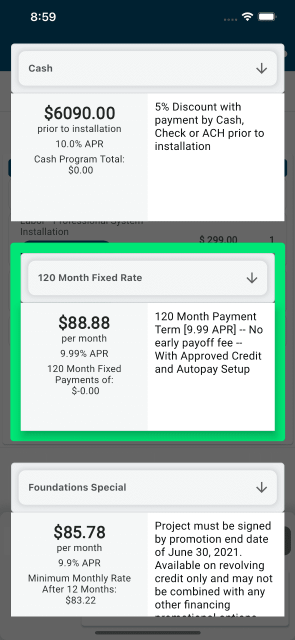
Promotions, discounts, and financing options work offline too, so a dead zone doesn’t have to stall a deal.
The Quotation Builder
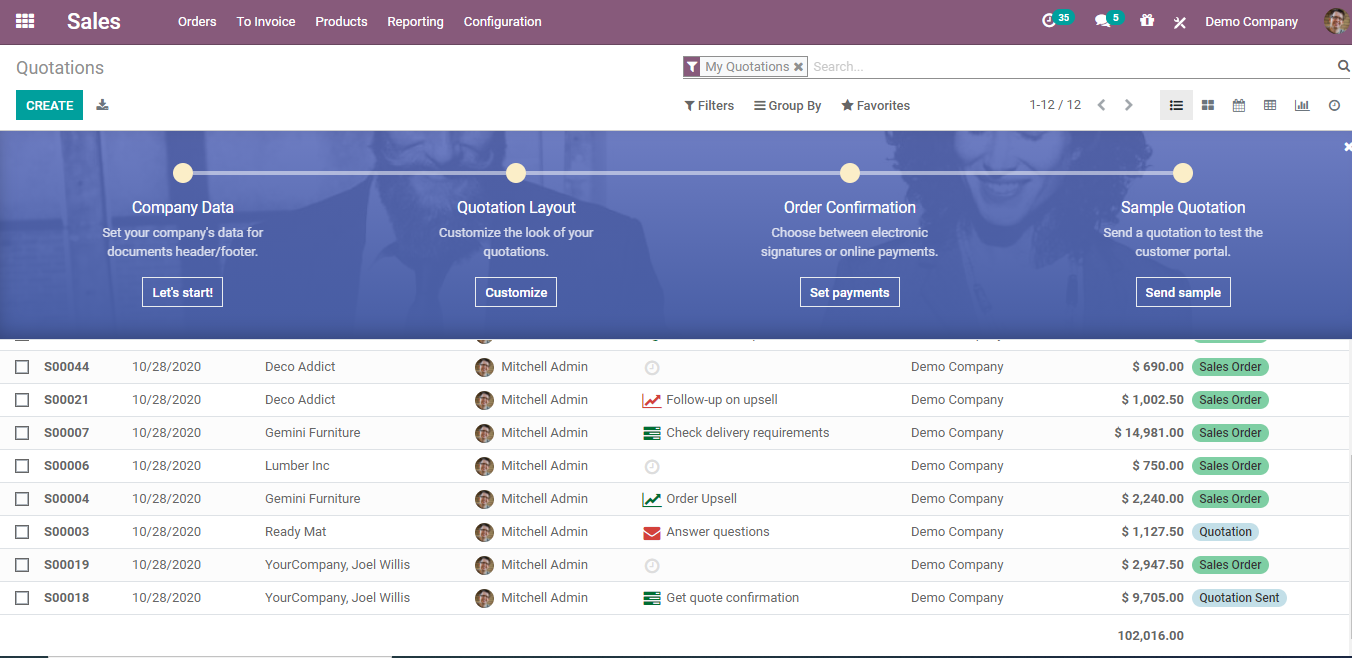
Predefined products, pricelists, and templates help reps put a quote together fast. Just type and send it in seconds.
Quotation Templates
Build custom templates for the quotes you send most often, then reuse them whenever a similar deal comes up.
Cross-Selling and Upselling
Add optional and related products to a quote so customers can see what pairs well, the same way a good rep would suggest it in person.
Confirmation with E-Signature
Customers can review and sign quotes online, which speeds up approval. You can use the same tool for NDAs, contracts, and other PDF documents.
Proforma Invoice
Proforma invoices are preliminary invoices, mostly used for customs. Odoo has them built in, listing the type and quantity of goods, their value, and details like weight and shipping charges.
Manages Orders & Contracts
Sales Orders
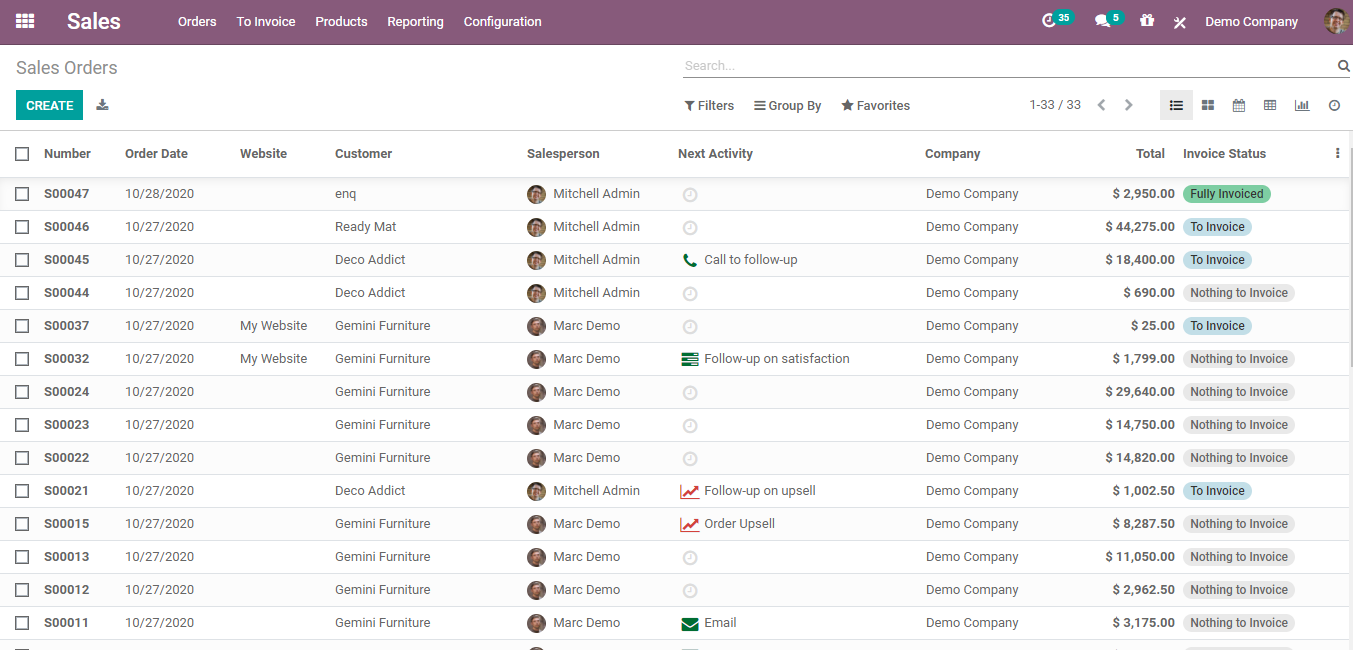
Turn a quote into a sales order with one click or let customers confirm it themselves online with e-signature. Editing orders, selling product kits, and shipping partial orders are all straightforward.
Invoicing
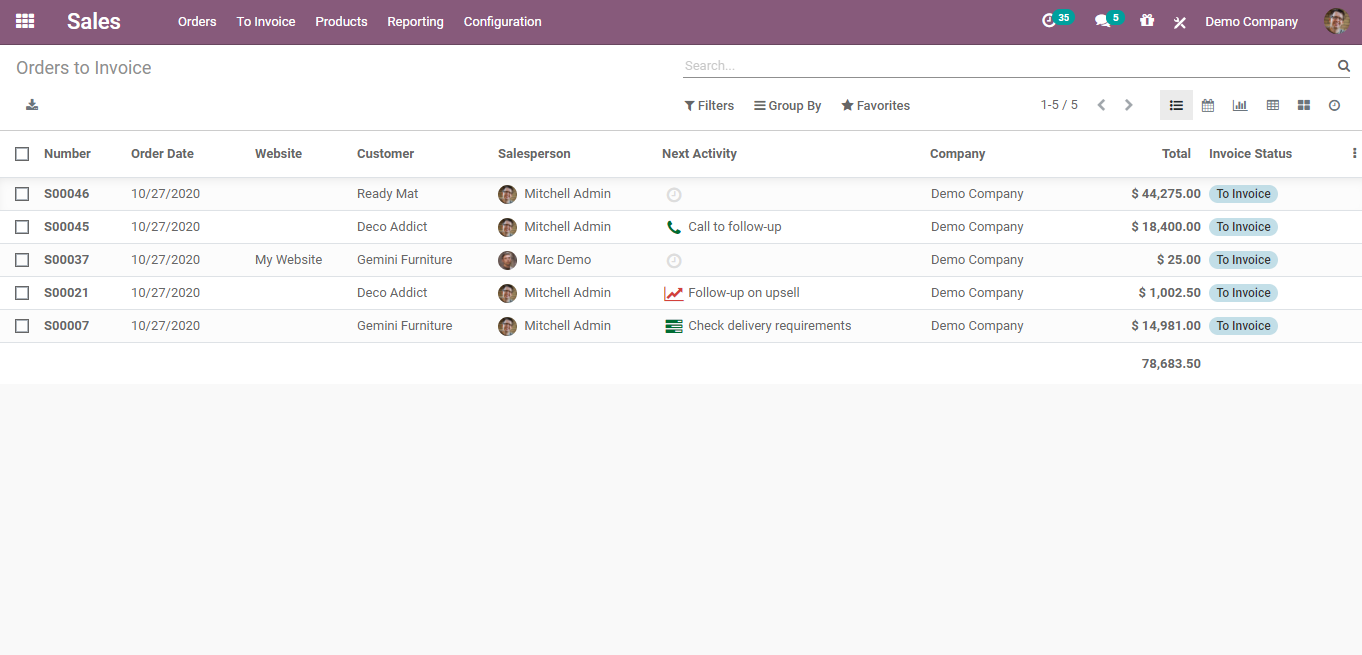
Invoice based on what was ordered or what was delivered, whichever fits your policy. Set payment terms per customer or per invoice and keep an eye on aging invoices so follow-ups don't slip.
Customer Portal
Customers get their own portal to check quotes, sales orders, and deliveries without calling your office.
Order-Specific Routes
Apply routes like drop shipping or replenishing on order right from the order line.
Contracts
Track every phase of a contract, from invoicing to renewal and upselling. The Odoo Subscription module works with Sales to handle recurring invoices, memberships, and service contracts, and it alerts you when renewals are coming up.
Incoterms
International commercial terms appear on the invoice automatically, and you can hide or change them as needed.
Send Messages
Customer emails are connected to the sale, so the whole conversation lives in one place instead of across inboxes.
Schedule Activities
Schedule follow-ups on important quotes and orders in one click and get reminders when they're due.
Log Notes
Leave internal notes on a deal so coworkers stay in the loop without the customer seeing them.
Manage Products and Prices
Set up products with variants like size, color, or whatever your industry needs, and control which combinations can be sold, and which optional products show up alongside them. Pricing follows your rules: assign pricelists by customer segment and let Odoo apply the right one automatically based on quantity or date.
Coupons let you create discount codes tied to a pricelist. Odoo also calculates shipping costs from weight, volume, quantity, margin, and delivery address, prints shipping labels, and tracks shipments, with connectors for UPS, DHL, FedEx, USPS, Bpost, and EasyPost.
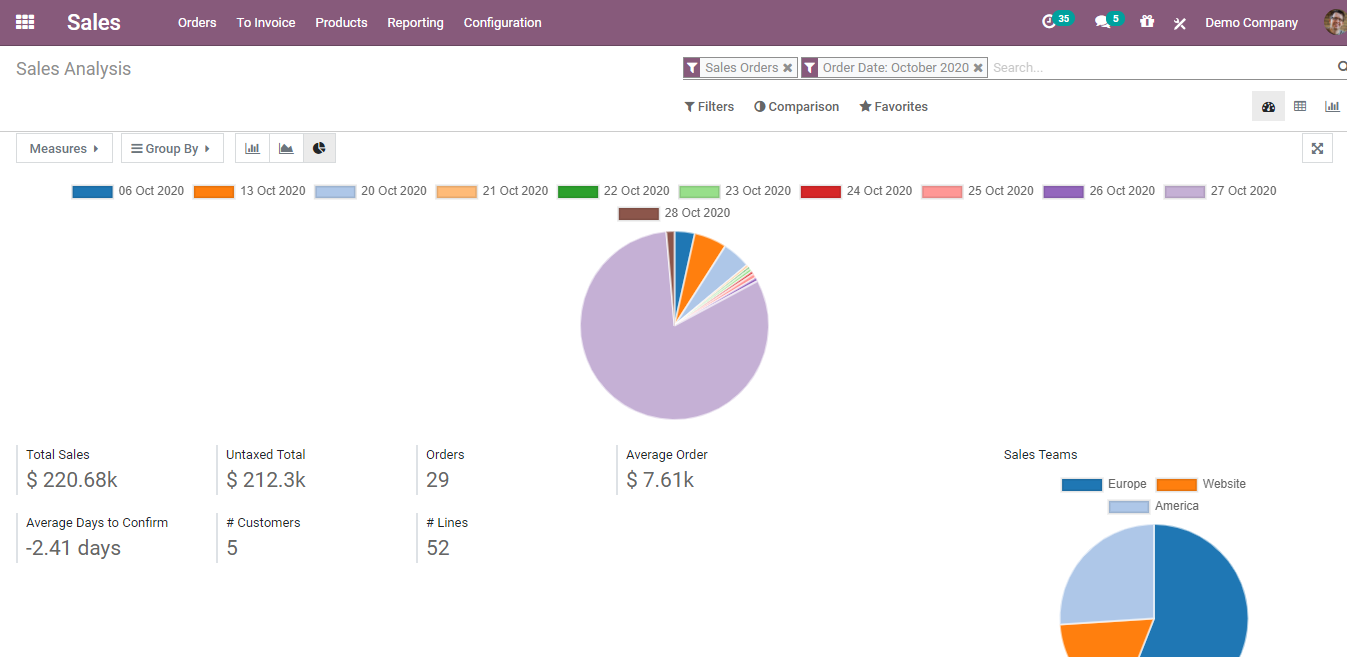
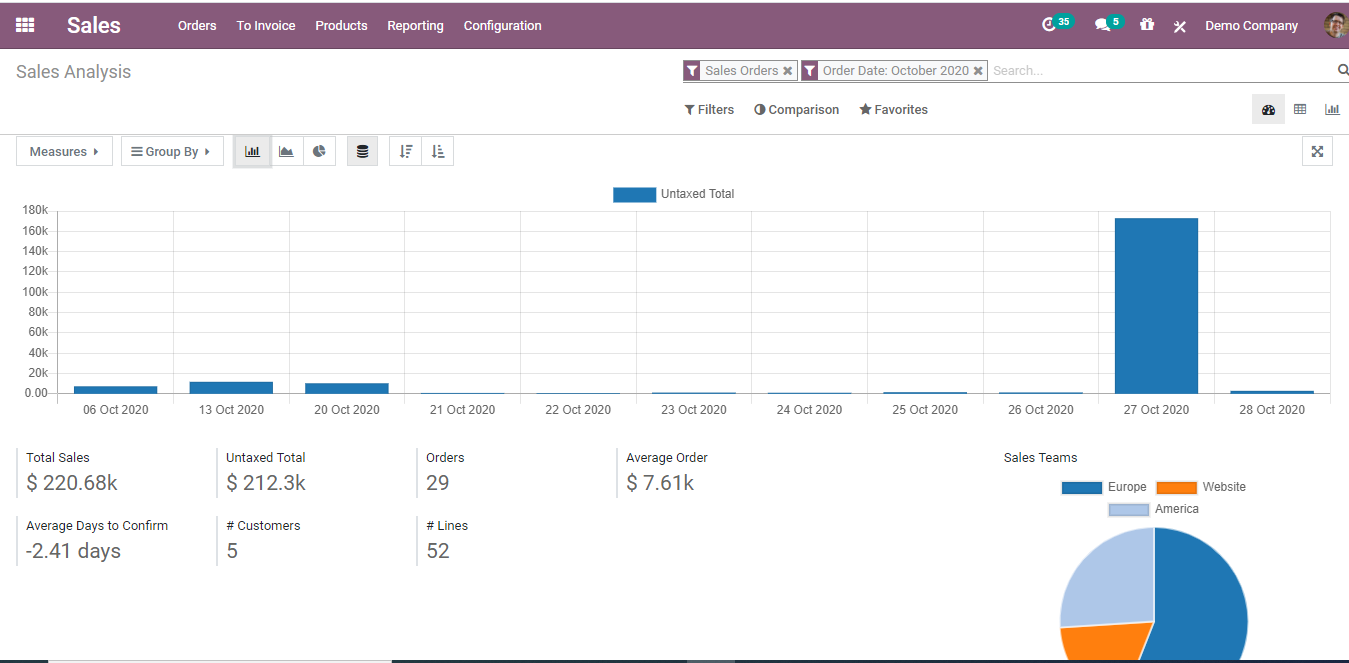
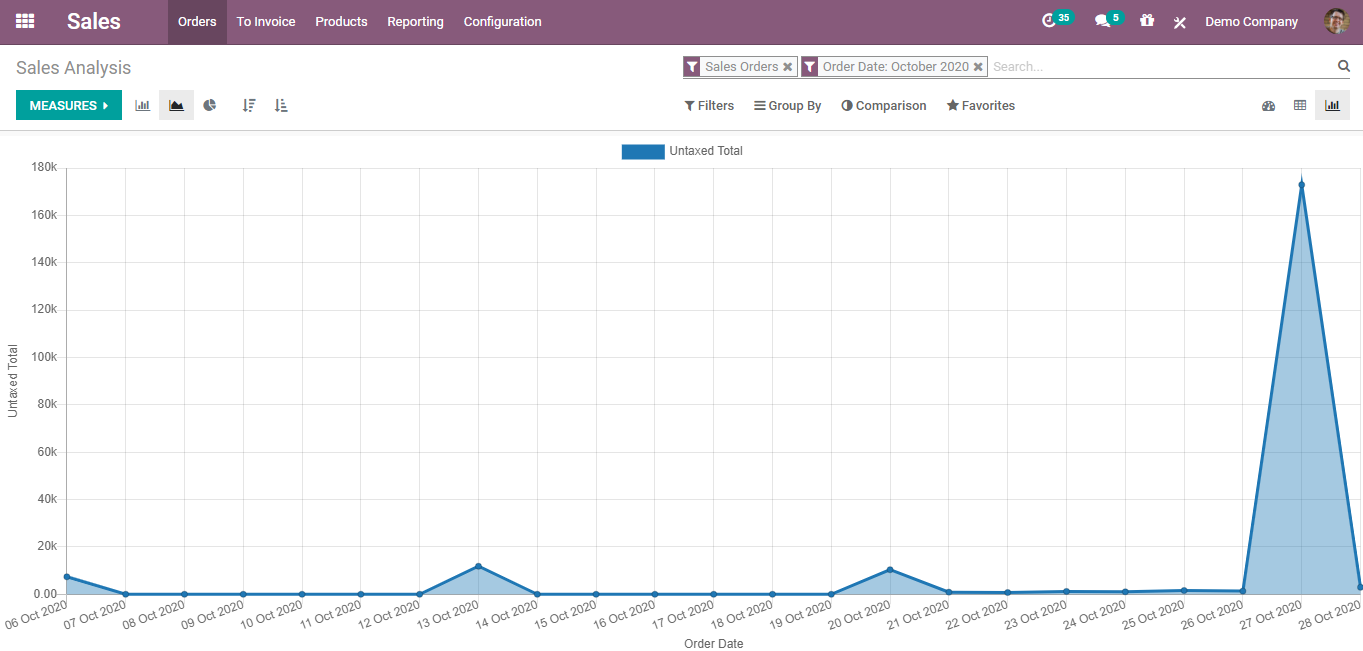
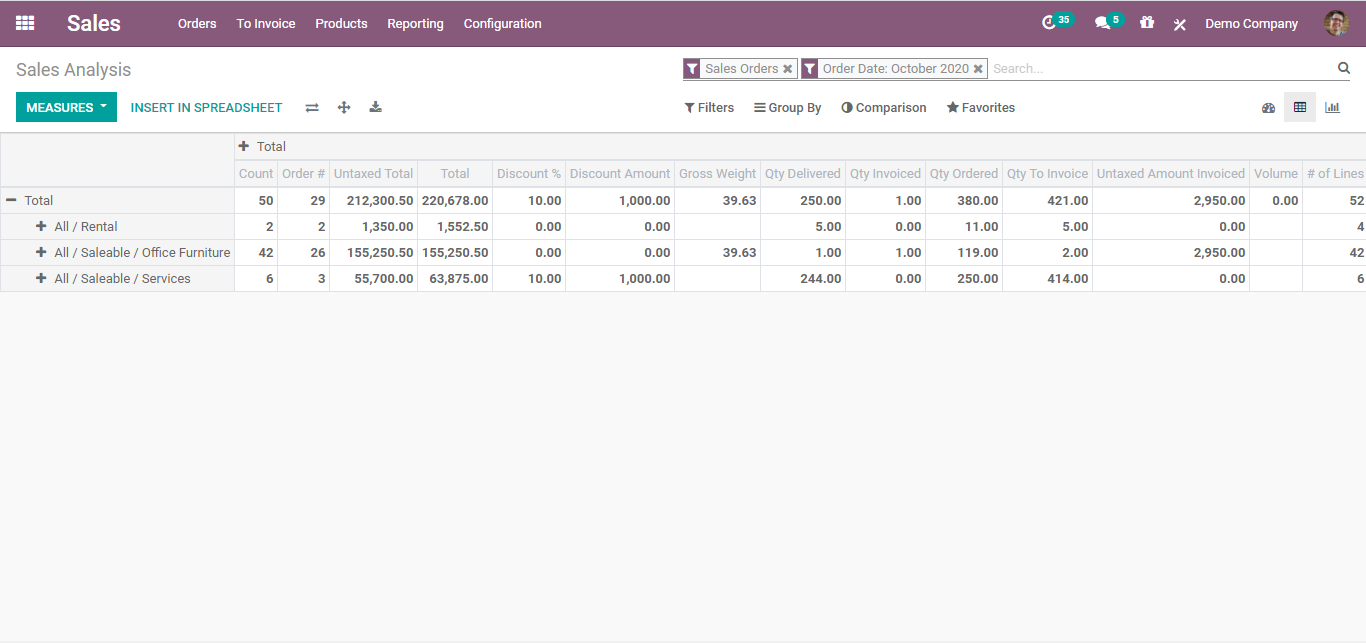
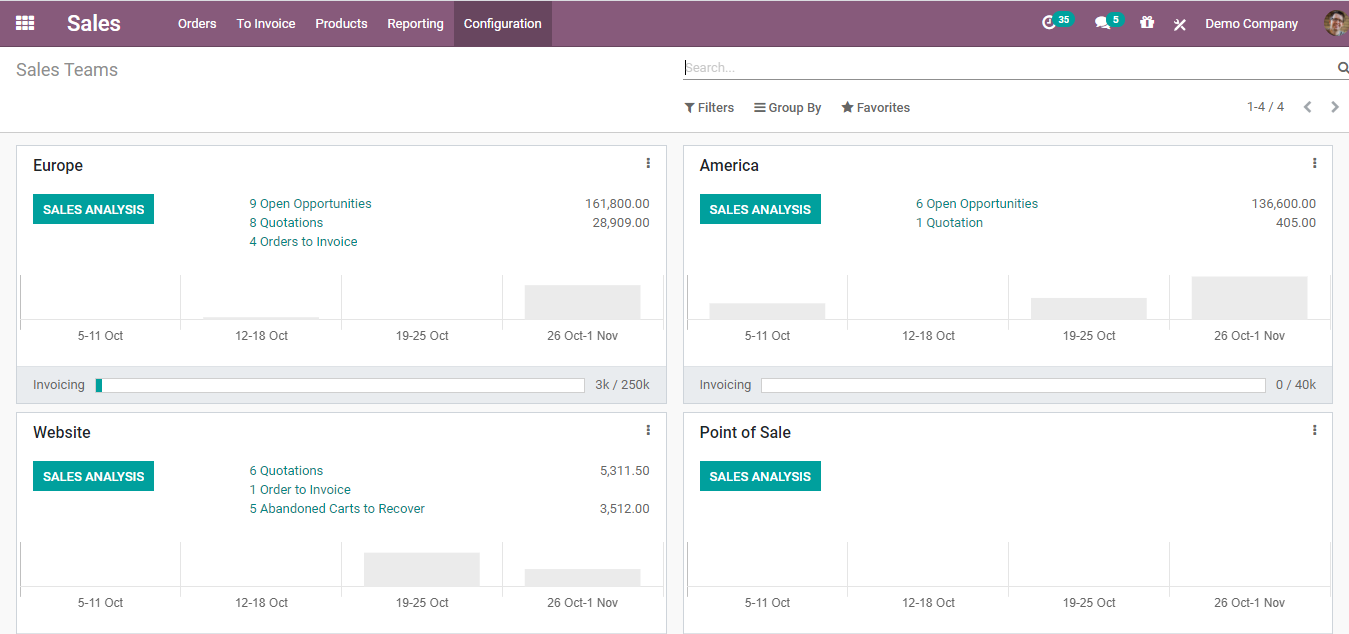
Intuitive Reporting: The sales dashboard tracks the numbers that matter: total invoiced, and sales by country, salesperson, or team, plus subscription metrics like churn, monthly recurring revenue, lifetime value, and CAC ratio. Base your stats on orders, invoices, or both, and group them by product category, salesperson, country, or team. Put together, Odoo Sales gives you one place to quote, sell, invoice, and see how it's all going.
Why Us?
We map how your team sells today, from the first call to the final invoice, then set up pricelists, templates, and approval rules to match. Your sales quotations go out consistently, with the right prices built in.
If your reps work in the field, our offline app keeps them quoting and closing without a signal. And because we also implement CRM, inventory, and accounting, the sales management software, you end up with talks to the rest of your business instead of sitting off on its own.